Symflick
A downloadable blender tool
Symflick — one flick, full symmetry
Mirroring a mesh shouldn't be complicated. The comfortable way to do it is usually buried inside a big all-in-one toolbox as one small feature, and I didn't want the whole toolbox for a single gesture. So I made just the gesture.
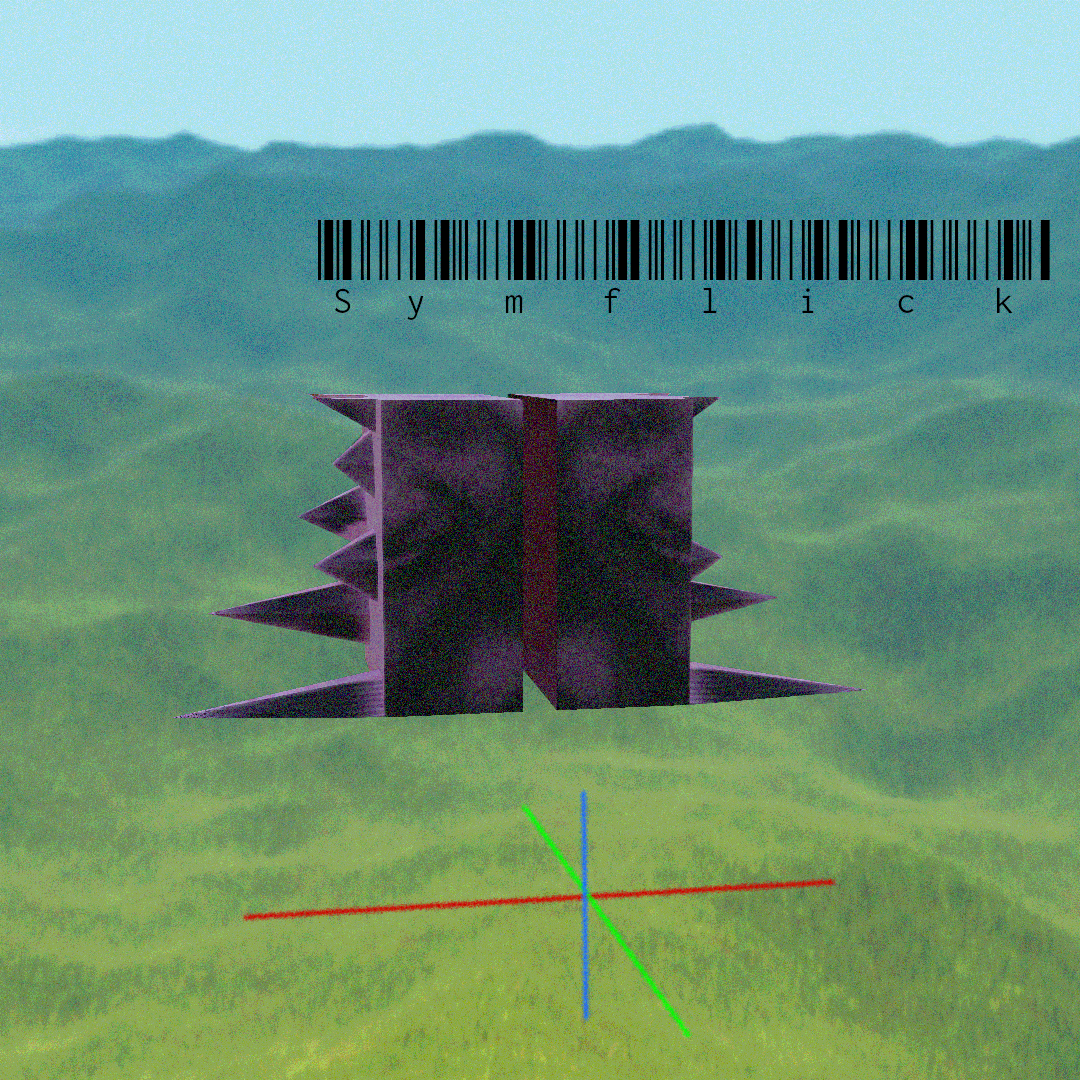
Press Alt+X in Edit Mode, flick your mouse toward an axis, done. A small HUD appears at your cursor with the X/Y/Z axes drawn exactly as you see them in your viewport. Flick toward one — that side is kept, the other becomes its mirror, and the seam is welded.
IT USES THE SETTINGS YOU ALREADY HAVE
The mirror plane runs through your pivot point — 3D cursor, median, bounding box, active element — and follows your Global/Local transform orientation. Want to mirror across the cursor? Put the cursor there and flick. Nothing to configure, no extra panel to learn.
Note that only Global and Local are distinct: Normal, View, Gimbal and custom orientations are treated as Global.
THREE TOOLS
• Symmetrize Flick (Alt+X) — classic symmetrize, seam welded clean.
• Mirror Flick — the same flick, but it adds a non-destructive Mirror modifier. Flick again to re-aim it and it updates in place instead of stacking.
• Radial Flick — spins a ring of welded copies around the axis you flick. Count and radius live in the adjustment panel afterward, so if the ring lands too wide, just drag it in. Good for gears, bolt circles and petals.
Mirror and Radial ship unbound so they never conflict with your existing shortcuts. Both have a keymap row waiting in the add-on preferences — click the blank binding and press your keys. Until then, F3 search finds them by name.
WHAT IT ADDS TO YOUR SCENE
Symmetrize and Radial only change mesh data.
Mirror Flick adds a Mirror modifier named "Symflick Mirror", plus a small helper empty named "Symflick Mirror Pivot [YourObject]" that the modifier uses as its mirror object. That empty is what lets the plane sit at any position and angle rather than only on the object's own axes. It goes into the same collection as your mesh, is hidden from renders, and you can nudge it by hand. It's only created when it's actually needed, and Symflick removes it again when a flick no longer requires one.
SMALL TOUCHES THAT ADD UP
• Scroll to adjust merge distance right in the HUD.
• R to toggle auto-dissolving the flat edge loop that symmetrize leaves down the middle (applies when Whole Mesh is on).
• After every flick, Blender's standard Adjust Last Operation panel lets you change the axis, mode, count and more, with the mesh updating live. Flicked the wrong way? Fix it there, no undo needed.
• Whole Mesh is on by default, so a flick acts on the entire mesh and clears the selection when it's done. Turn it off in preferences to work on selections only.
SYMMETRY INSPECTOR
A built-in inspector selects every vertex missing its mirror twin — handy for catching a model that has quietly drifted out of symmetry. It ships unbound and isn't in a menu: run it with F3 search ("Symmetry Inspector"), or bind mesh.symflick_inspect under Preferences → Keymap.
ACCURATE ON ROTATED OBJECTS
Global-plane mirroring works correctly even on rotated objects, with no snapping to the nearest axis.
Requires Blender 4.2 or newer. GPL-3.0.
Download
Install instructions
Manual: yes
Logo: yes
Short video instruction: yes
Leave a comment
Log in with itch.io to leave a comment.